
Home › Dictation › Abridge: Your First Visit
Starting at Epic go-live on October 24, Abridge is available to every Freeman provider: physicians, residents, advanced practice providers, and behavioral health clinicians. There is no license to request and no waitlist. Inpatient nursing will follow after go-live, starting with Med-Surg and step-down units.
New to Abridge? Plan about 30 minutes: start with Your First Visit, then set your note preferences in Make It Write Like You.

Less charting. More time on patients.
Abridge listens to the visit and drafts your clinical note in real time, so documentation is nearly done before the patient leaves the room. Record in Haiku on your phone, then review and sign in Hyperspace. This page is the whole first visit, start to finish.
How to do an Abridge visit
Record on your phone, finish the note at your desk. Start to finish it is two tools: Haiku for the conversation, Hyperspace for the note and the orders.
These steps are a clinic visit: you pick the patient from your Schedule in Haiku. Recording works the same way in the Emergency Department and in the hospital, where you pick the patient from the Trackboard or your Patient List and choose a note type first. That is on ED and Hospital.
Pin the Abridge tab in Hyperspace. Click the dropdown arrow to the right of your tabs, find Abridge, and click the pin icon. Everything after the visit happens in that tab.
Build your Ambient speed button as well. It takes about a minute, and it is how the draft gets into your Epic note.
Make sure the patient has consented to ambient documentation before you press record. Consent is captured electronically in the chart.
"I will be using a notetaker that records our conversation to help me write my clinical note. This way I can pay more attention to you and less time on the computer. Is that okay with you?"
On your phone, in Haiku
Seven steps, all on your phone, from your clinic schedule to a drafted note. Step 5 is optional.
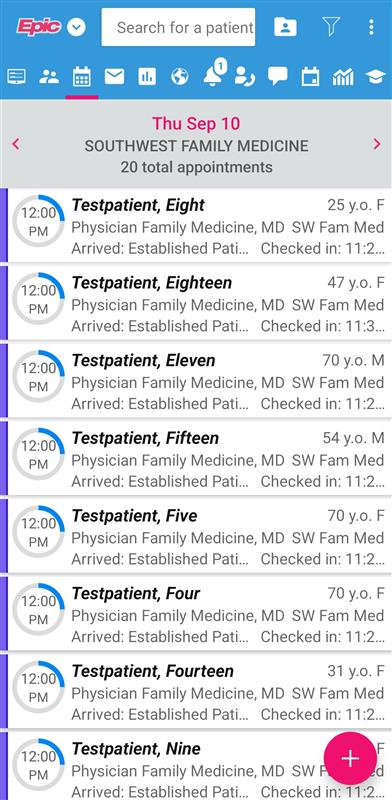
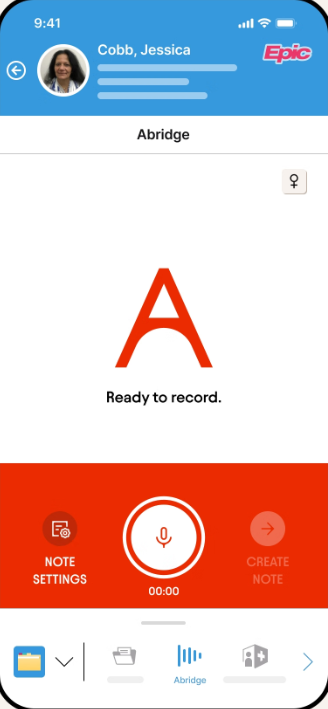
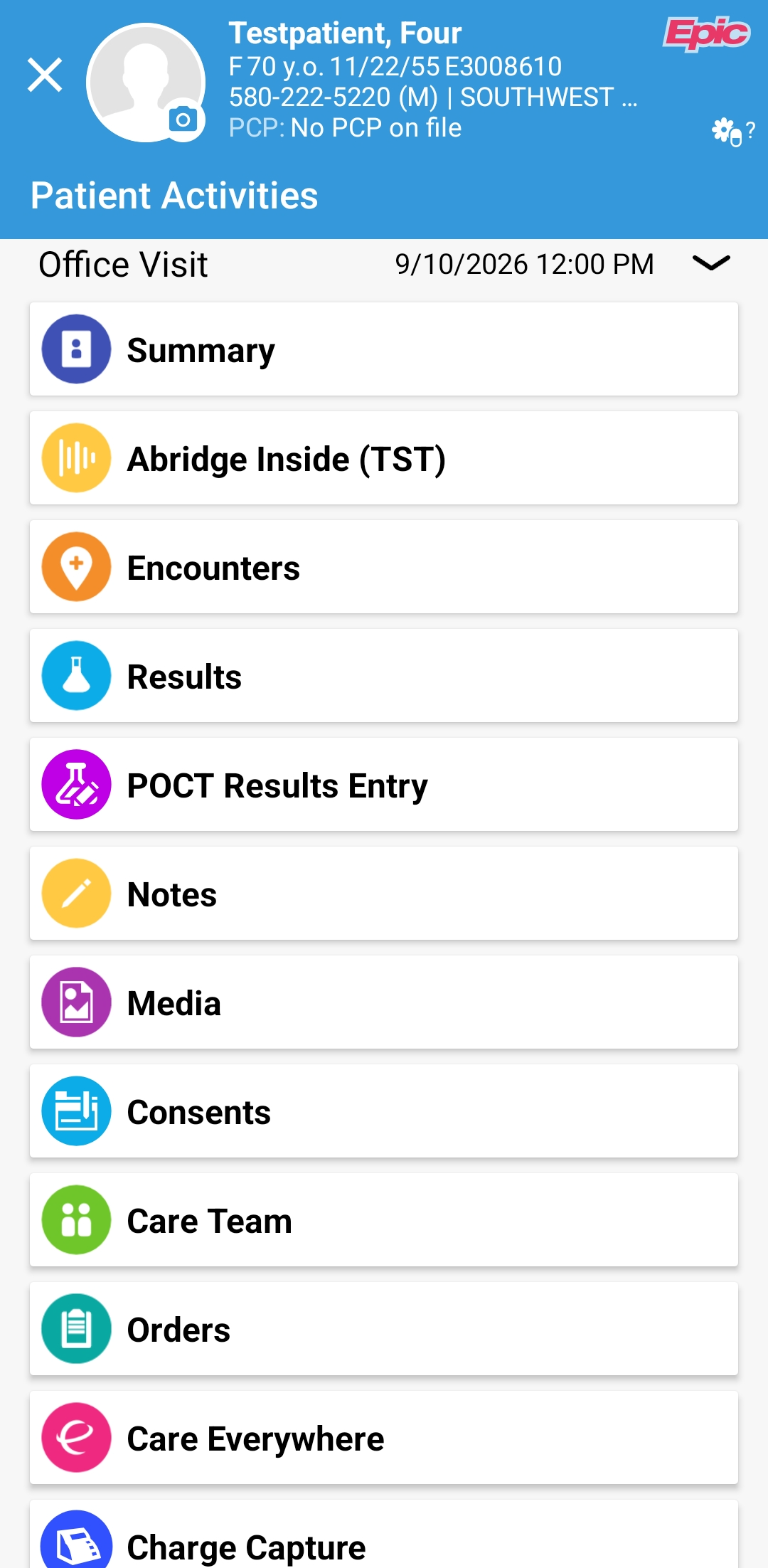
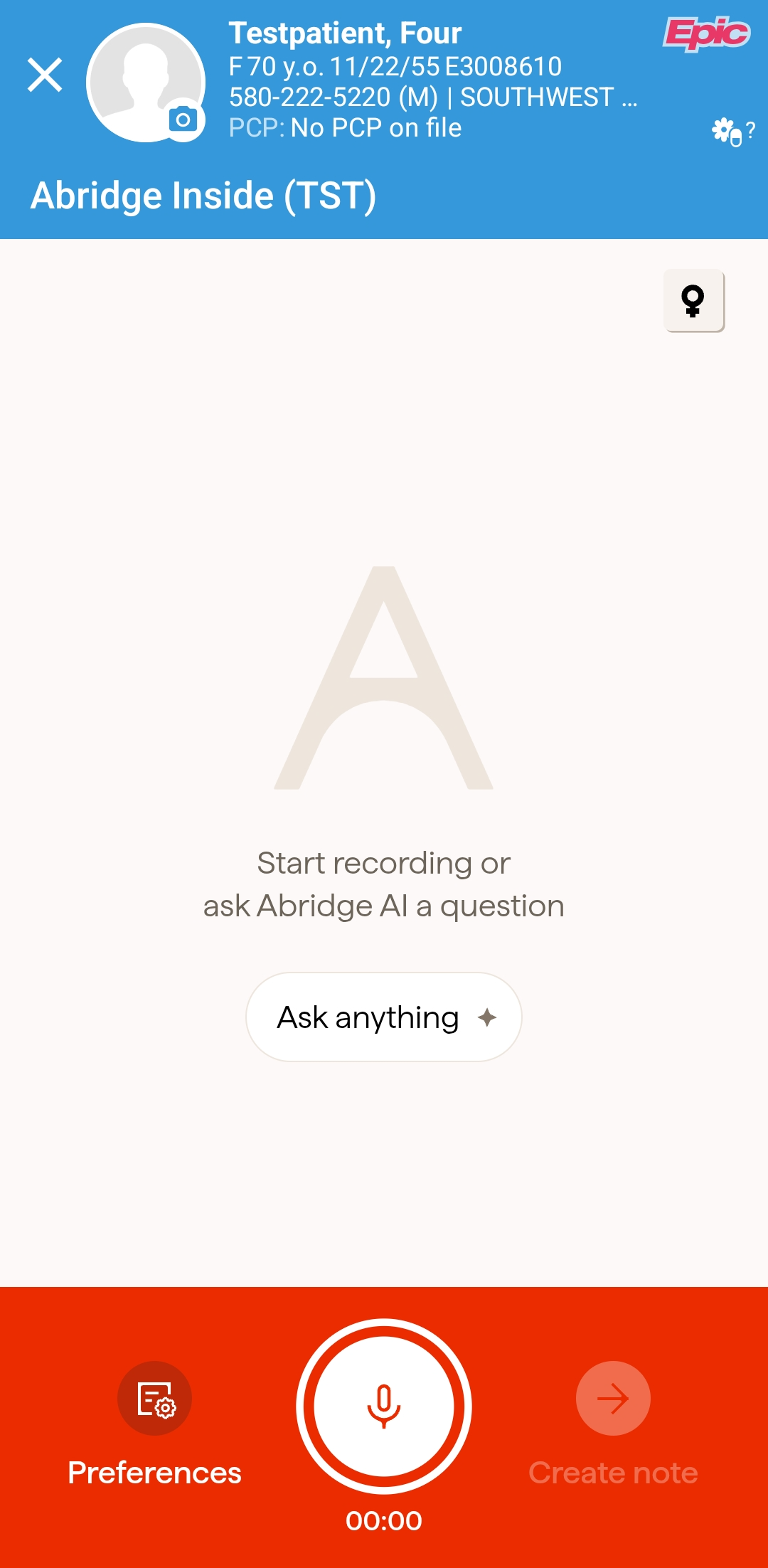
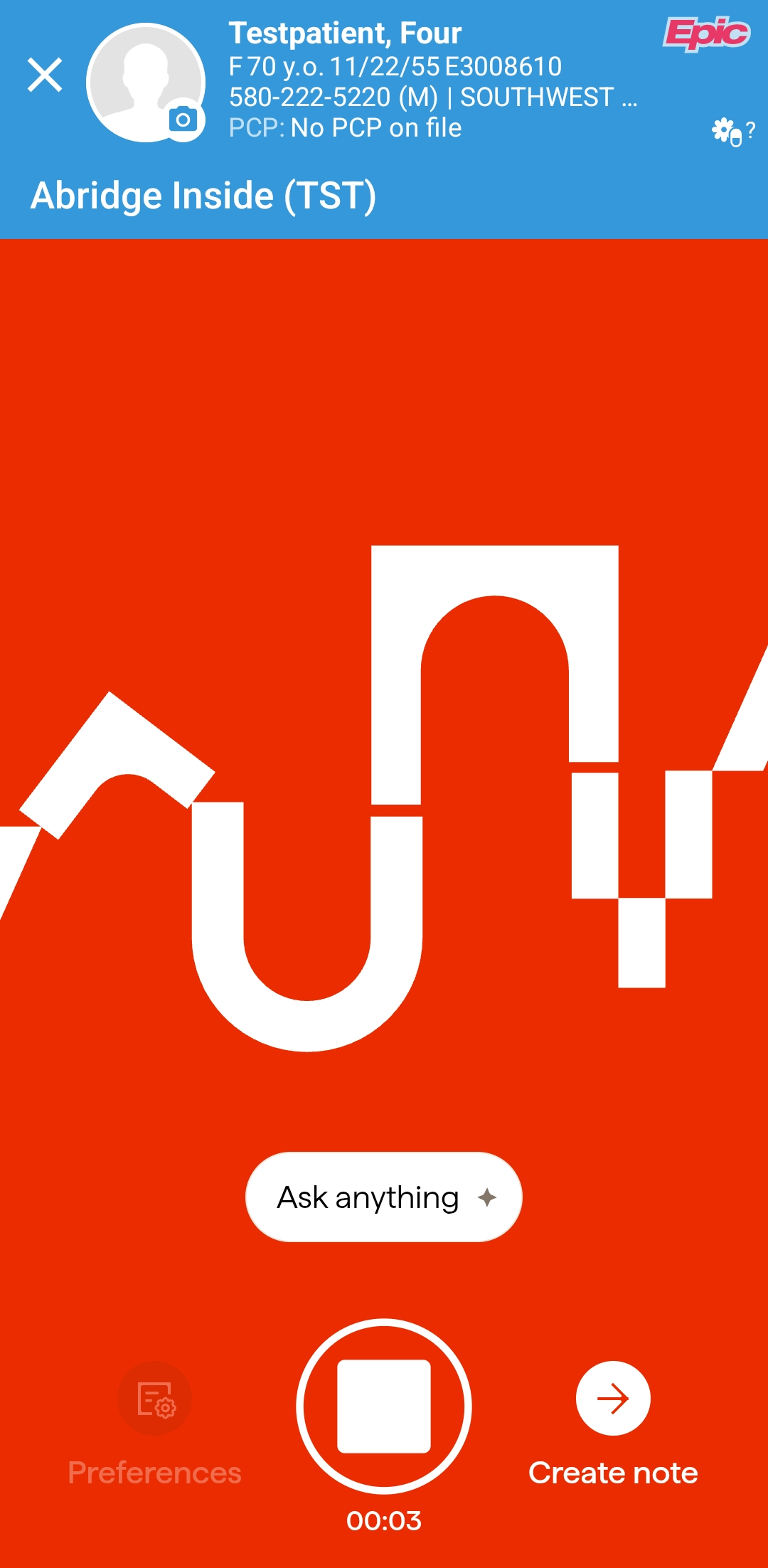
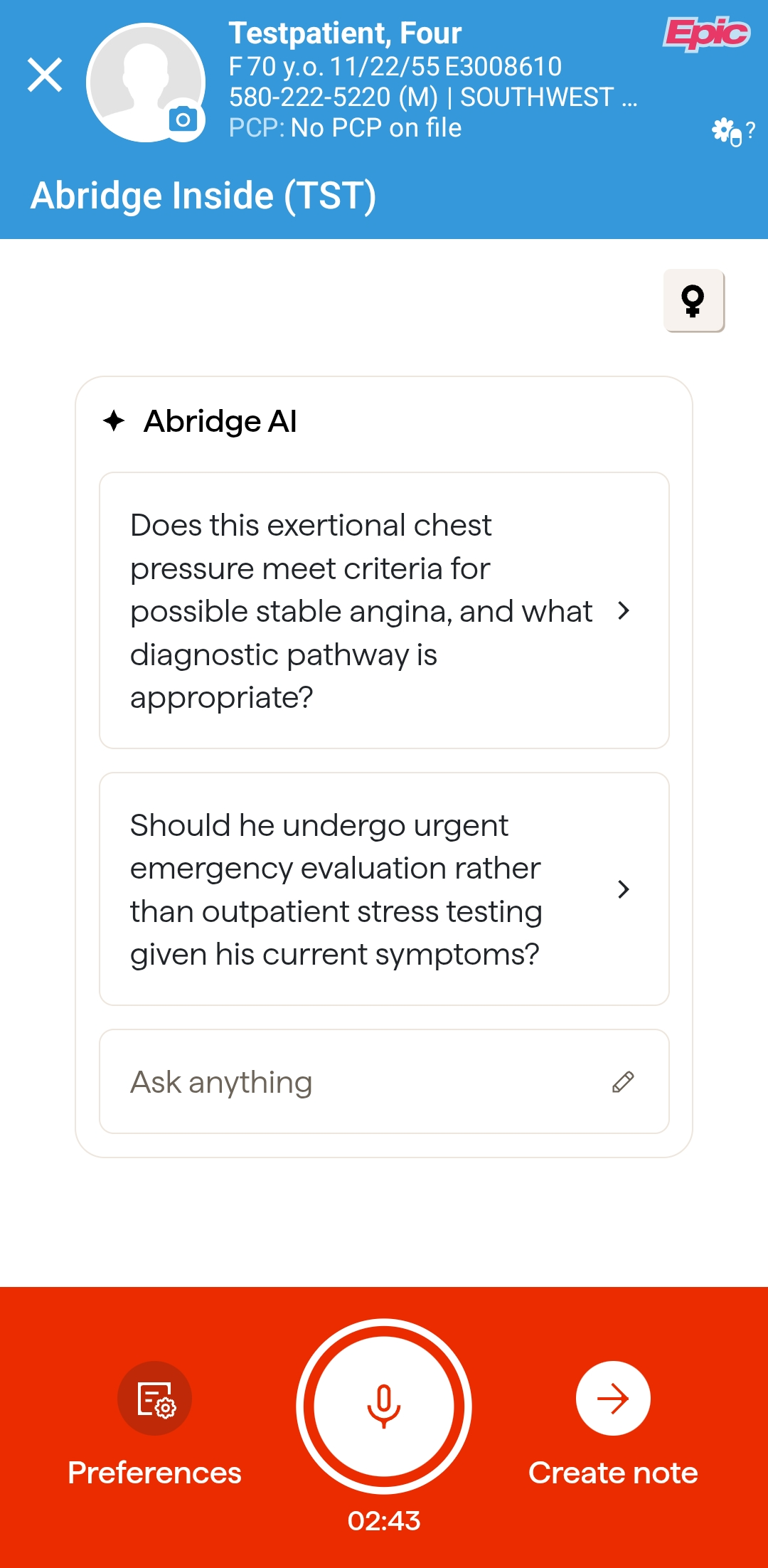
On Android, open Haiku, pick the patient, then choose Abridge or Visit Recorder from the Activities list. The rest is the same.
The first time you press and hold Create note, Haiku asks you to pick a note style. The defaults are fine: tap Save and Create Note. You can change all of it later on Make It Write Like You.
Create the note within 24 hours of recording.
Recording tips
- Record at least 20 to 30 seconds. Shorter recordings do not produce a note. For a very quick visit, keep recording while you summarize the plan aloud.
- Phone charged, and on Wi-Fi.
- No Bluetooth headphones or hearing aids connected.
- Introduce everyone in the room.
- Say non-verbal cues out loud: "you are nodding yes."
- Say your exam findings out loud.
- Record a monologue before or after the visit for anything the conversation did not cover.
In Hyperspace: Heard in Visit Recording (HIVR)
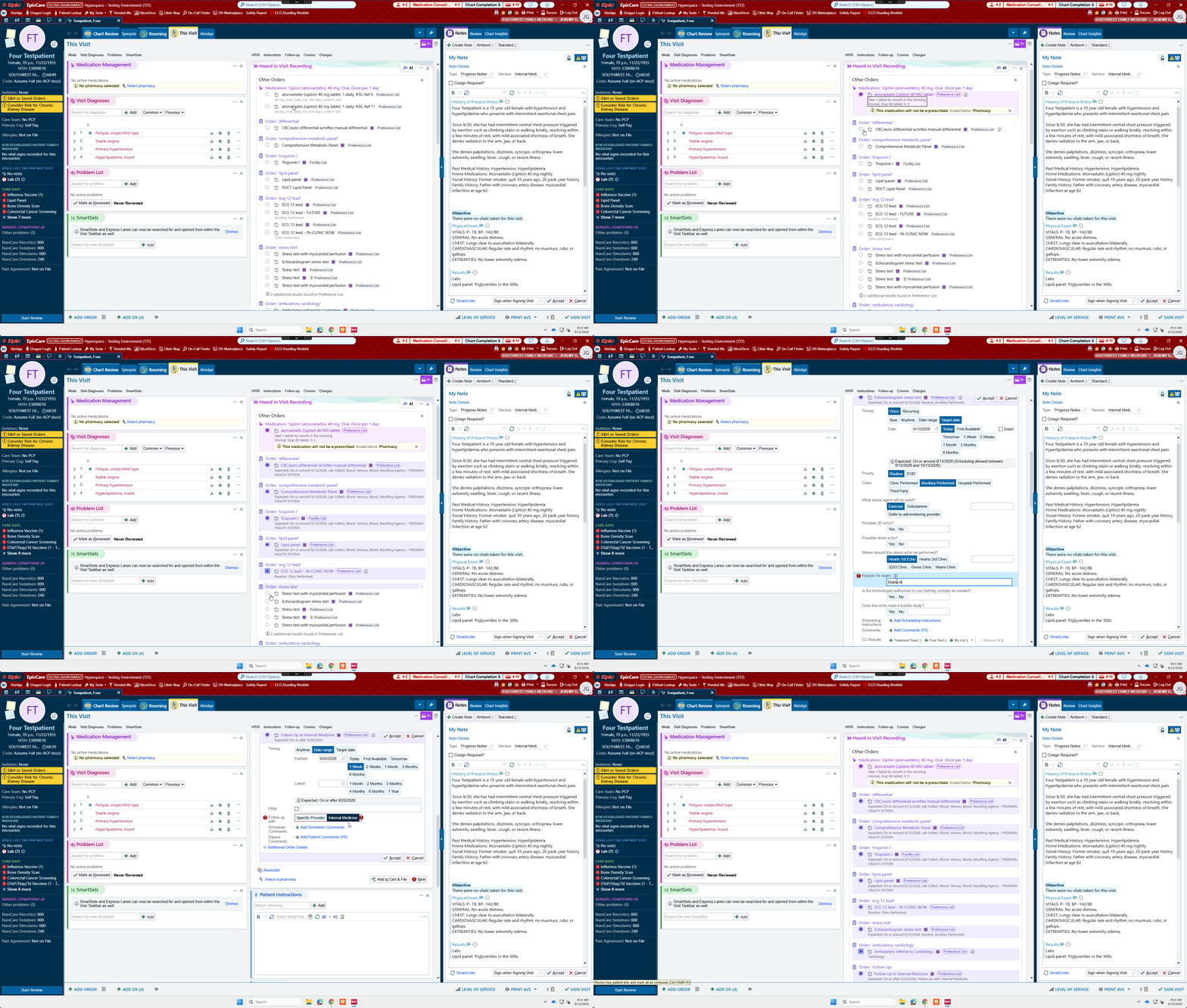
Open the patient's chart once processing is done. The Heard in Visit Recording (HIVR) section lists the diagnoses Abridge heard and all orders you verbalized during the visit, ready for you to choose and sign. Orders flow in during the conversation; diagnoses usually arrive once Abridge has processed the note. HIVR is available for outpatient visits only at this time. It is coming to the ED and hospital later.
Verify the diagnoses there before you sign the note: Epic will not sign a note with an unverified Ambient diagnosis. Step by step, with screenshots: Heard in Visit Recording (Clinic).
Pull the note in with your Ambient speed button
In the Notes activity, press your Ambient speed button, or Alt+1. Do not have one yet? Build your Ambient speed button, which takes about a minute.
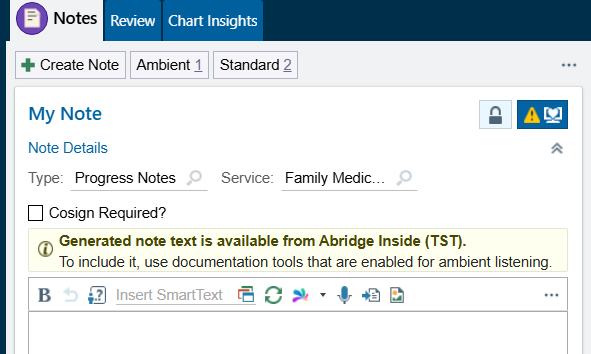
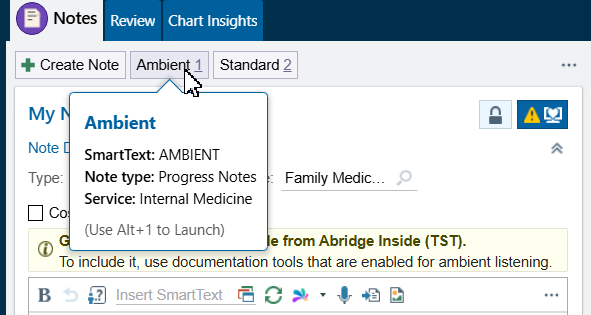
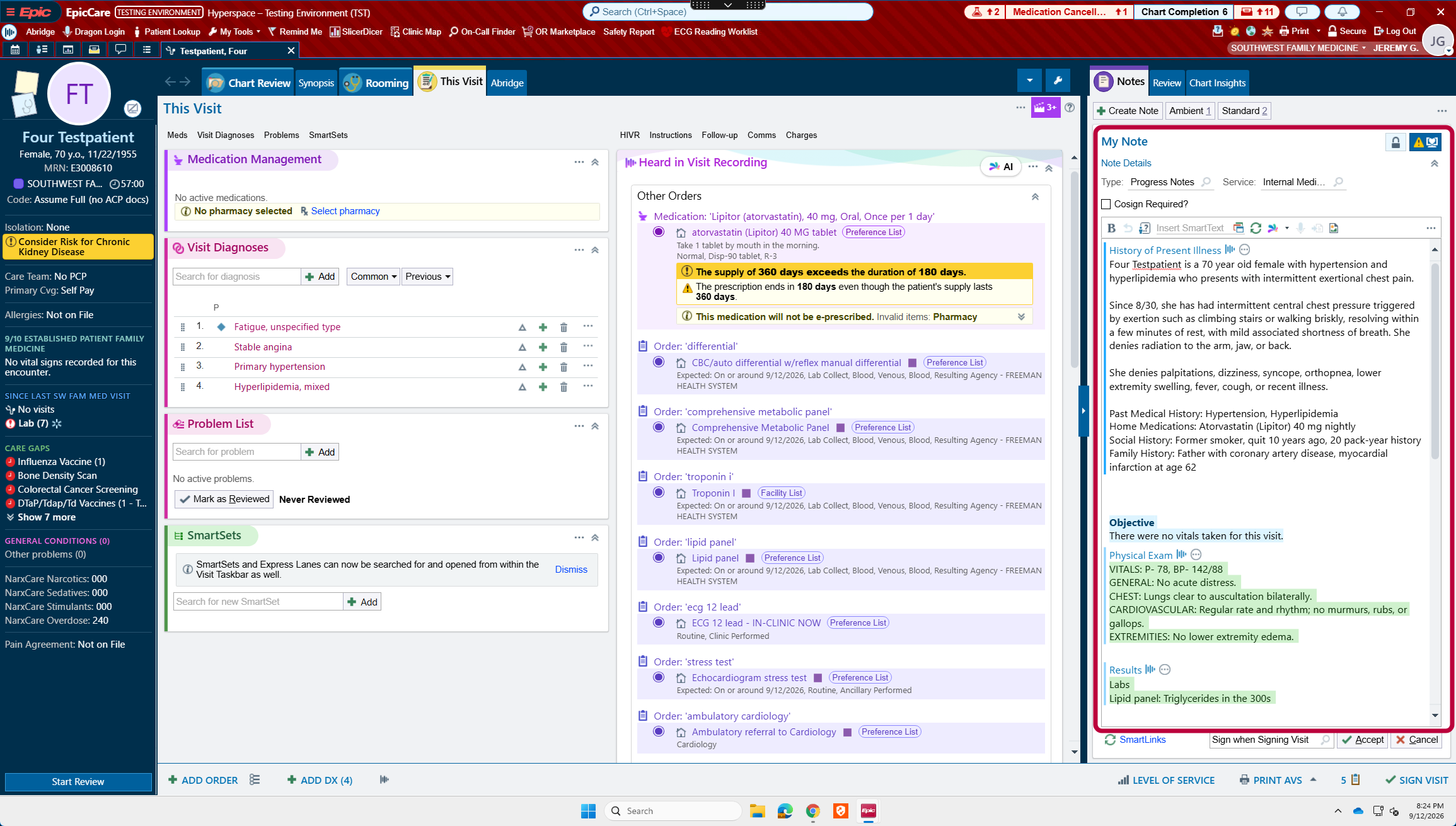
The note is a draft. You are still the author: review every line before you sign.
Epic holds one unsigned note of each type at a time. Any note you left incomplete has to be signed or deleted before you can create another note of that same type.
Example: you started a progress note a week ago with Ambient, pulled the draft in, and never signed it. You cannot create another Ambient progress note until that old one is signed or deleted. So if your speed button will not bring in a new draft, go looking for an unsigned note of the same type first.
More on Abridge
Verify the diagnoses Abridge heard and sign your orders. Clinic visits only.
Verify and sign →Ten minutes of settings, and every future note reads the way you write.
Set your preferences →Trackboard, note types, pulling a prior note forward, and habits by setting.
See your setting →