Home › Epic › Training and Test-Out
Epic Training
Providers who have not completed training do not have an Epic login.
Check your training status
Everything about your training lives in one place: whether you have tested out, when your upcoming sessions are scheduled, and the pre-work you still owe.
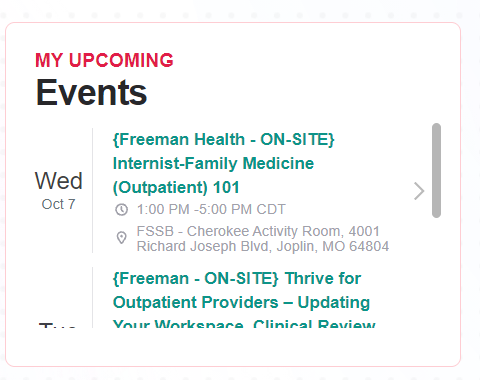
Check My Upcoming Events on the right side of your dashboard. It lists the date, time, and location of every session you are registered for.
Three steps to an Epic login
Required online lessons, an hour or less. Complete them before the day of class, not the morning of.
Treat class like protected clinical time: on time, rested, phone silenced, engaged. Class runs in an Epic-owned training environment, not Freeman's live chart. Which environment am I in?
Class includes the User Settings Lab to personalize order sets, note templates, and SmartPhrases. What to personalize.
Your Epic login is active once training is complete.
Already tested out?
Providers who currently use Epic, or have used it within the last 12 months, had the option to test out and were already signed up for it.
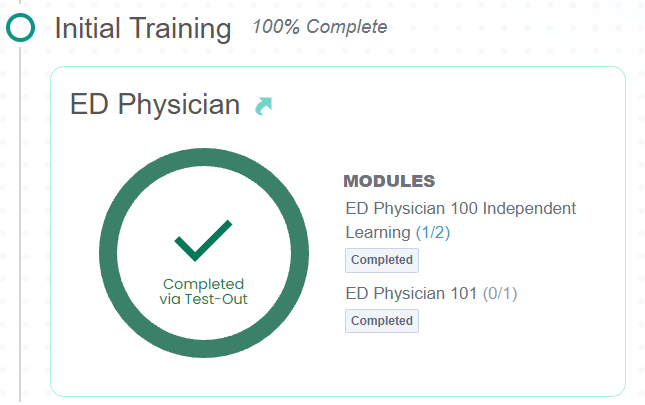
If that is you, your dashboard shows Completed via Test-Out and Initial Training reads 100% Complete. Nothing more to do for system access.
Where training happens
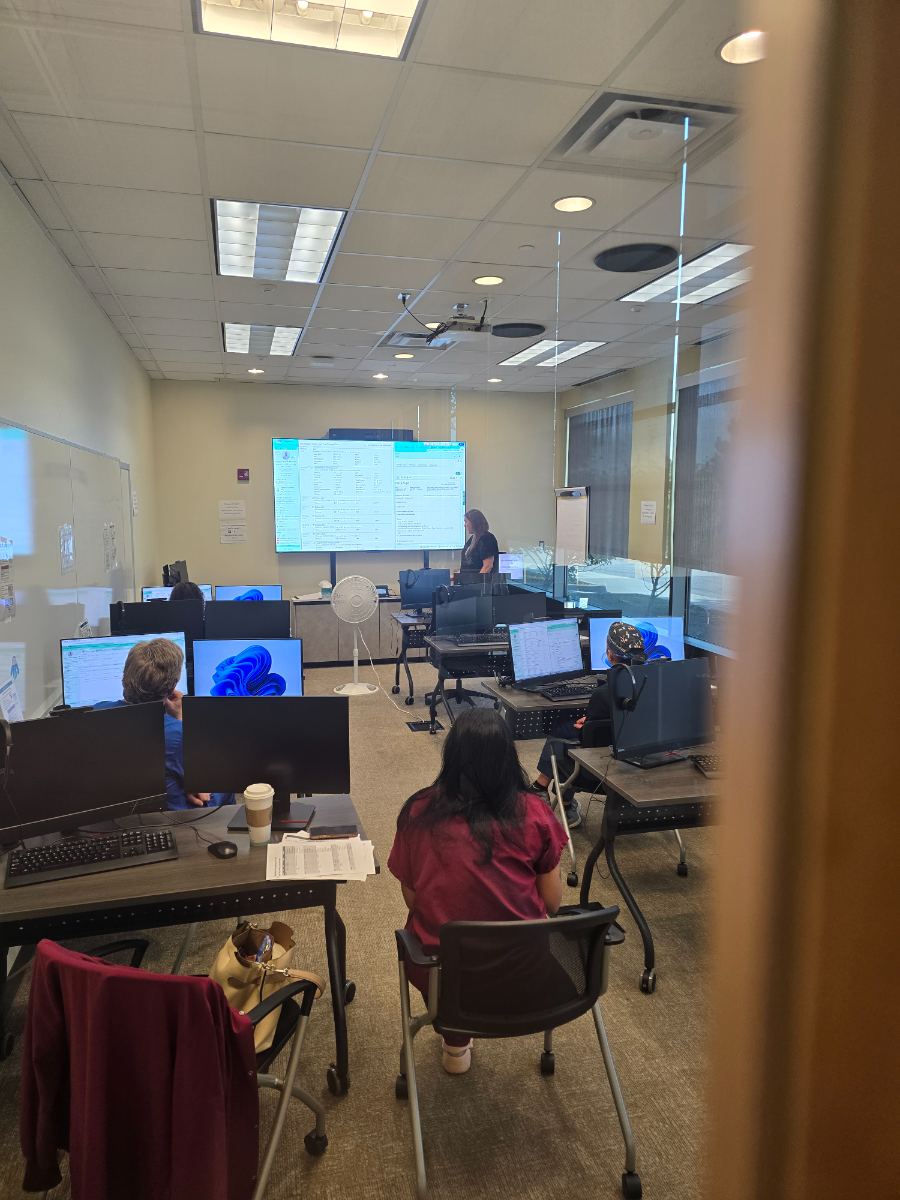
Every class meets at one of two places. Your room is listed under My Upcoming Events on your EpicU dashboard.
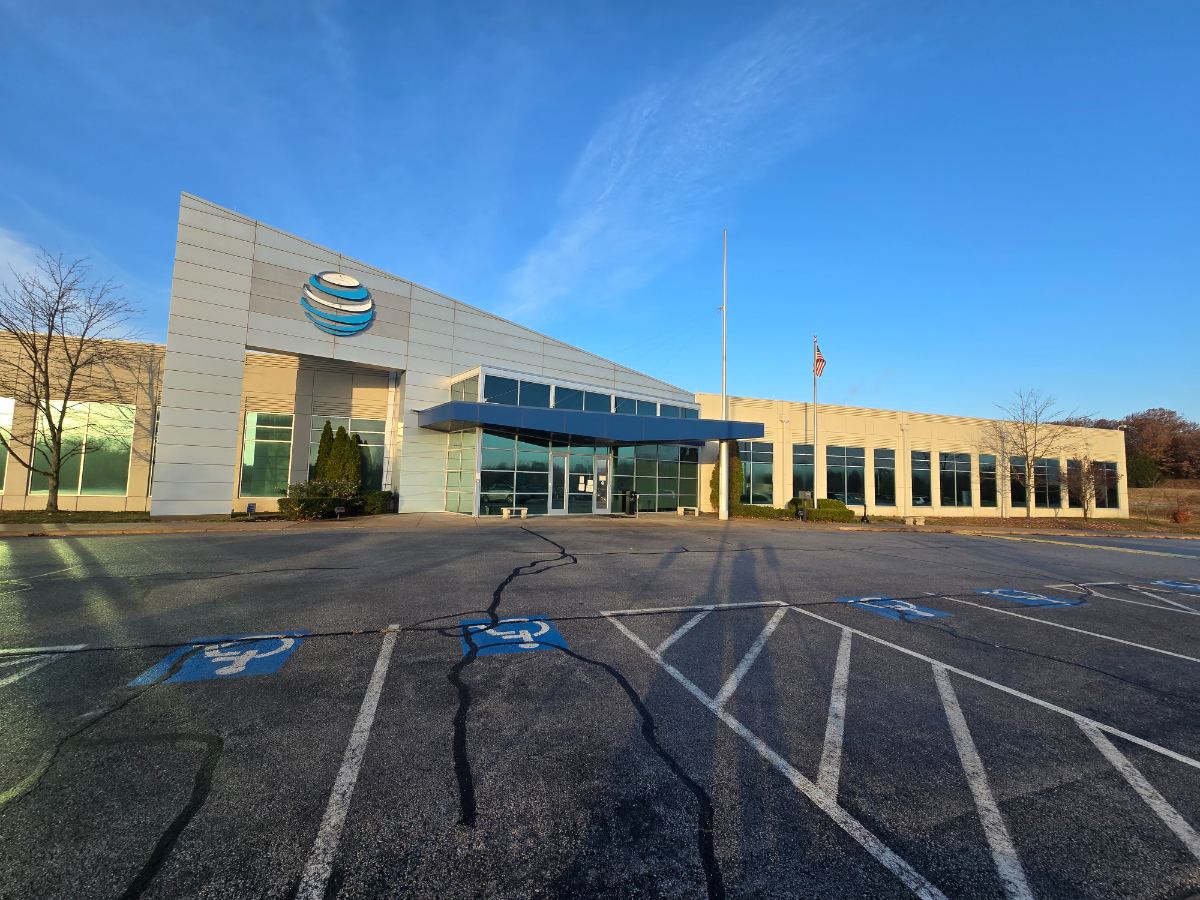
The former AT&T building. 4001 Richard Joseph Boulevard, Joplin, Missouri 64804. Park in the east lot and use the front doors under the blue canopy.
Open in Maps ↗932 East 34th Street, Joplin, Missouri 64804. Your class listing names the room.
Open in Maps ↗