
Home › Epic › Haiku and Secure Chat Setup › Round at an External Location
Round on Patients at an External Location Using Haiku
Seeing a patient away from a Freeman site? Haiku on your phone lets you find the patient, create an encounter in your home department, write the note, drop the charge, and sign the visit.
Haiku not set up yet? Start with Haiku setup. Tap a step to jump to it; the screens advance on their own otherwise.
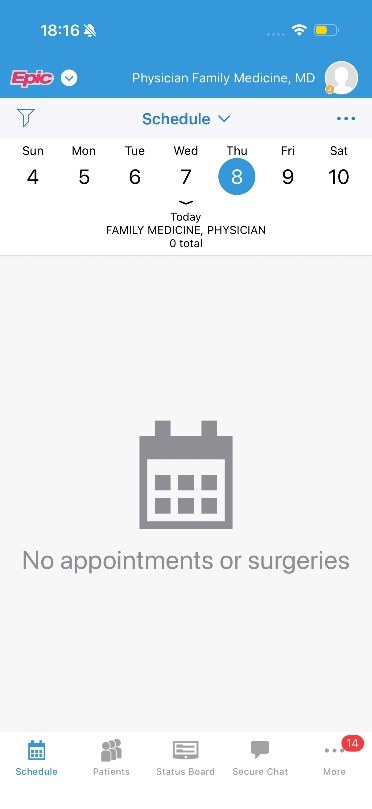
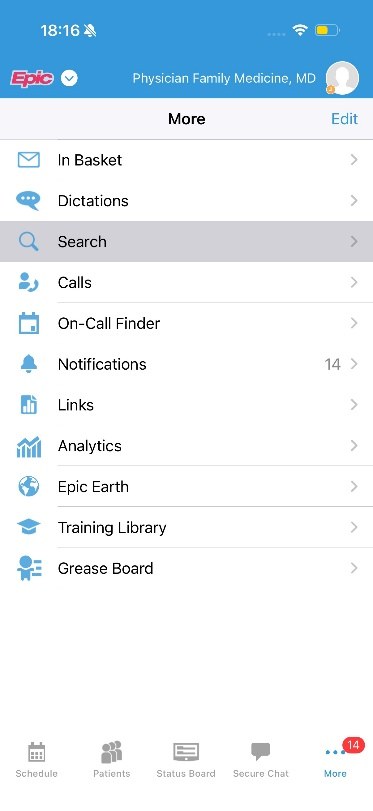
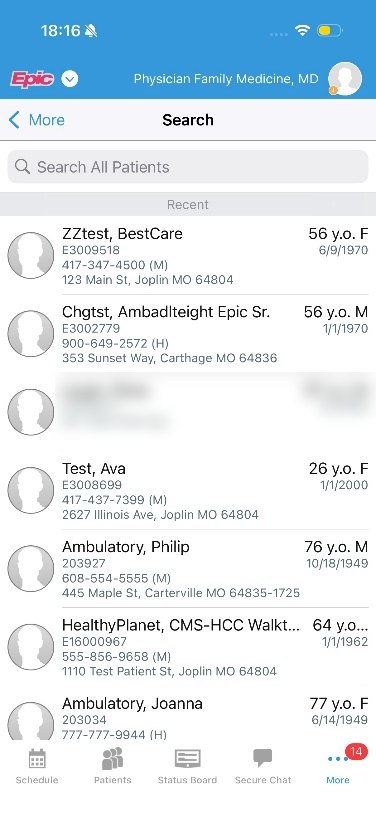
1. Find your patient
Three taps from the Haiku home screen to the patient.
1
Tap More
Open the Haiku app and tap the three dots (More).
2. Create an encounter
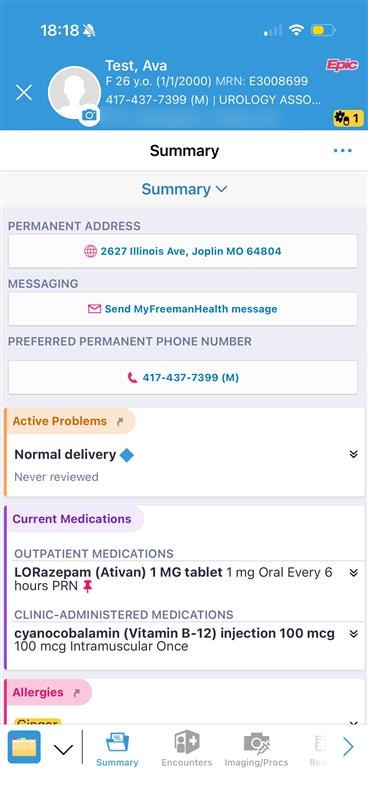
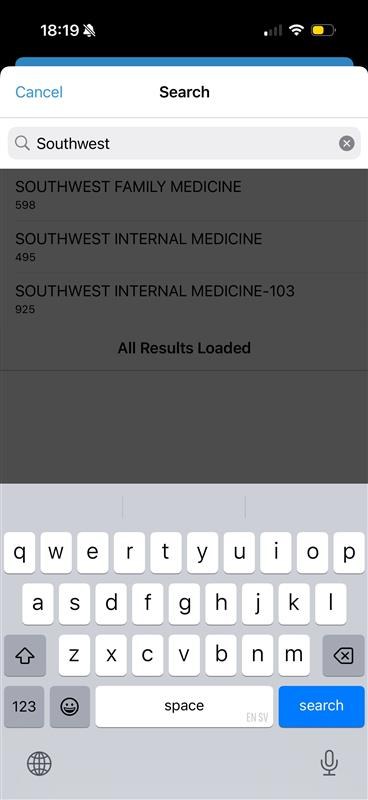
Start the encounter from the patient's chart, in your home department.
1
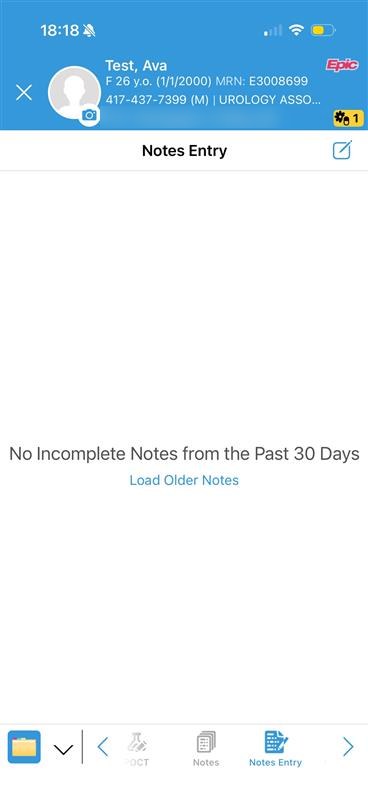
Open Notes Entry
In the patient's chart, select Notes Entry from the bottom toolbar.
3. Document your encounter
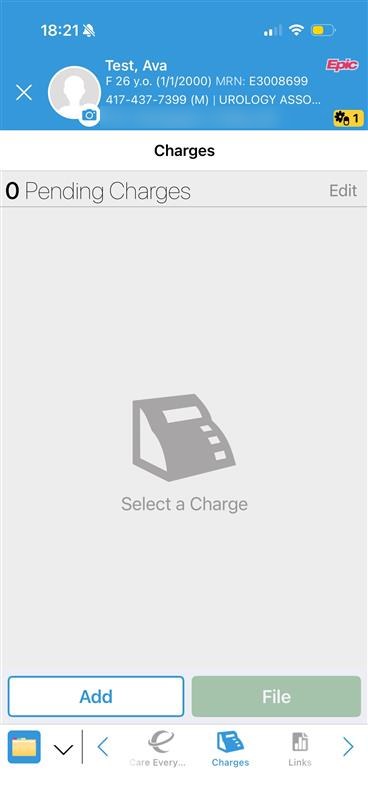
Write the note, drop the charge with its diagnosis, then sign the visit.
1
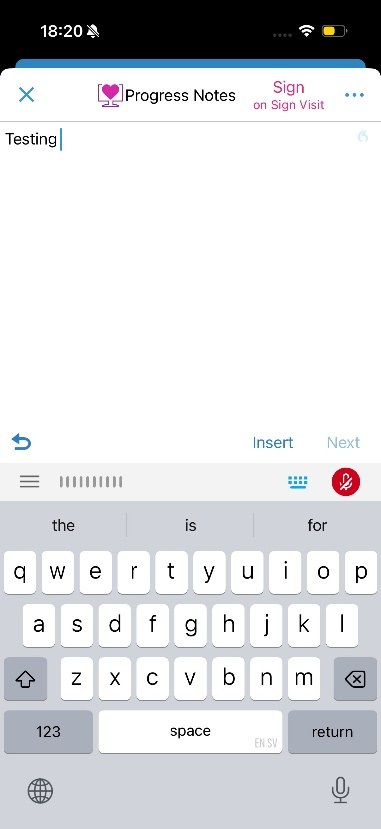
Write the note
Document your note. When finished, tap the top right to pend or sign.
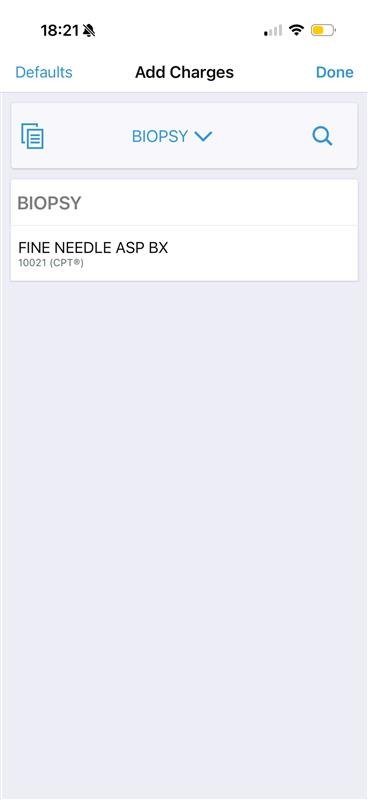
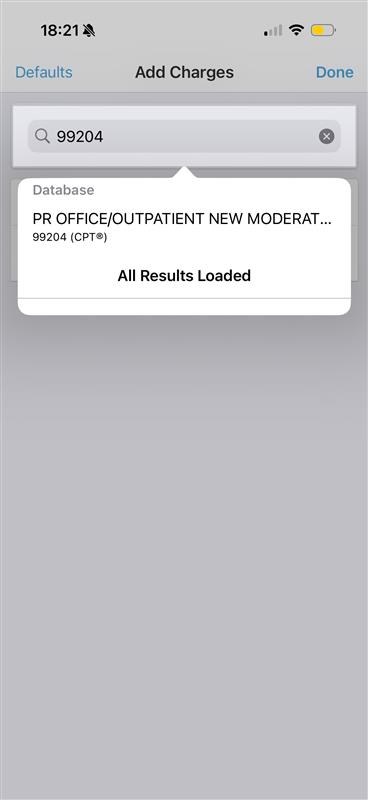
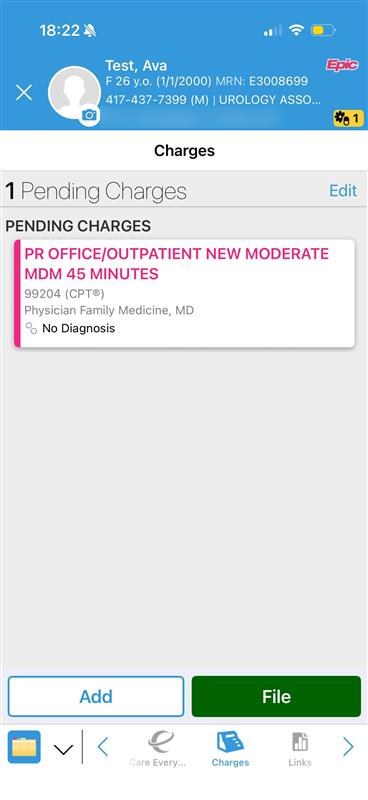
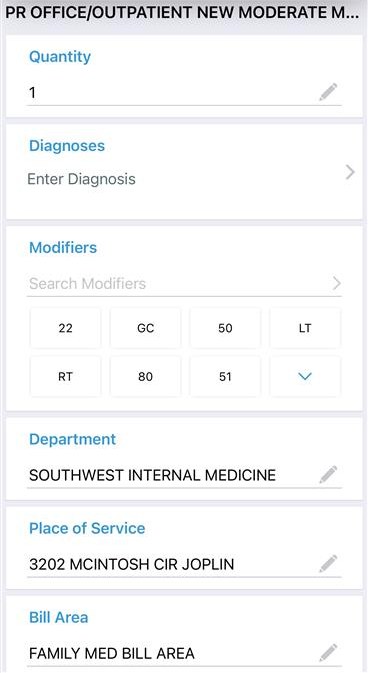
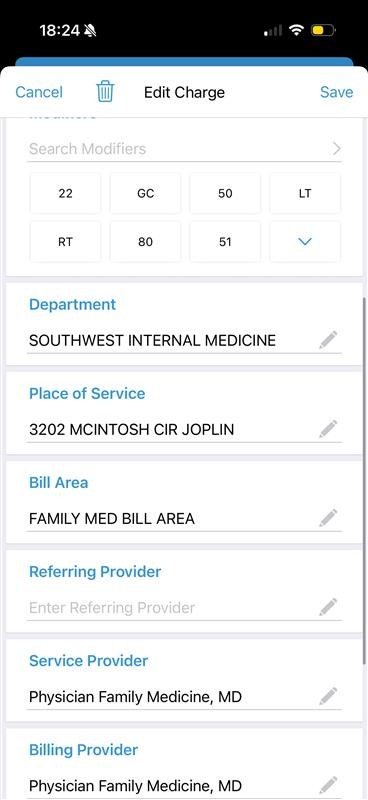
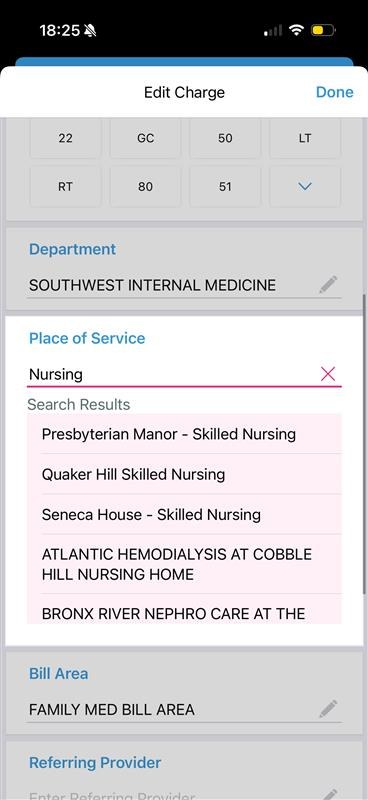
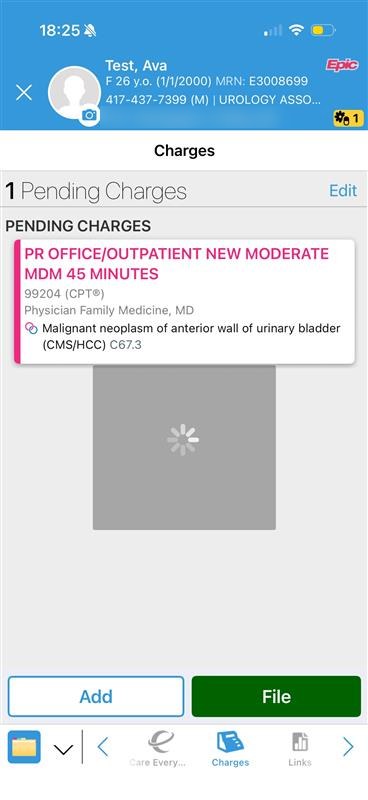
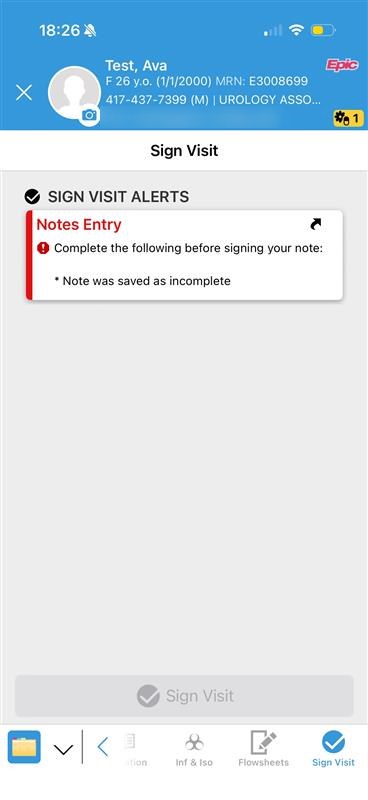
Screenshots are from a test patient. Stuck? Call the IT Help Desk at 417-347-4500 or submit an IT Service Request.